We Tested 80+ Open-Source Design Skills With the Same Prompt
By
VaporAviator Lab

AI design tools are getting faster, but speed alone does not solve the harder question: what kind of aesthetic judgment is actually being applied?
Most design evaluations still rely on portfolios, screenshots, taste references, or manually curated examples. Those can be useful, but they make comparison difficult. Different inputs, different briefs, different levels of polish, different amounts of human selection.
At VaporAviator Lab, we wanted to test something simpler:
What happens when 80+ open-source design skills receive the exact same starting point?
Same brief.
No style direction.
No hand-picking.
Just the skill making the aesthetic calls.
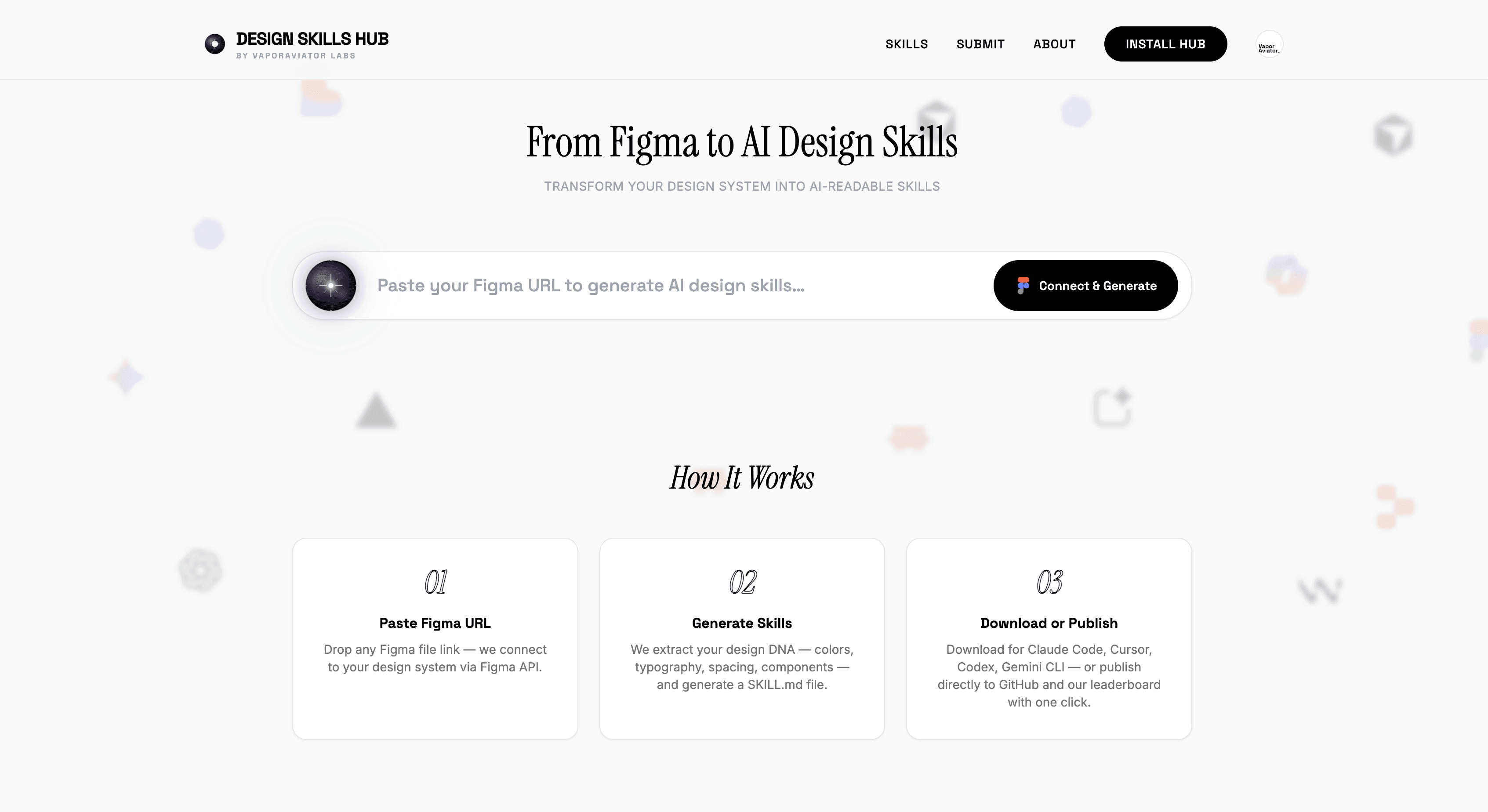
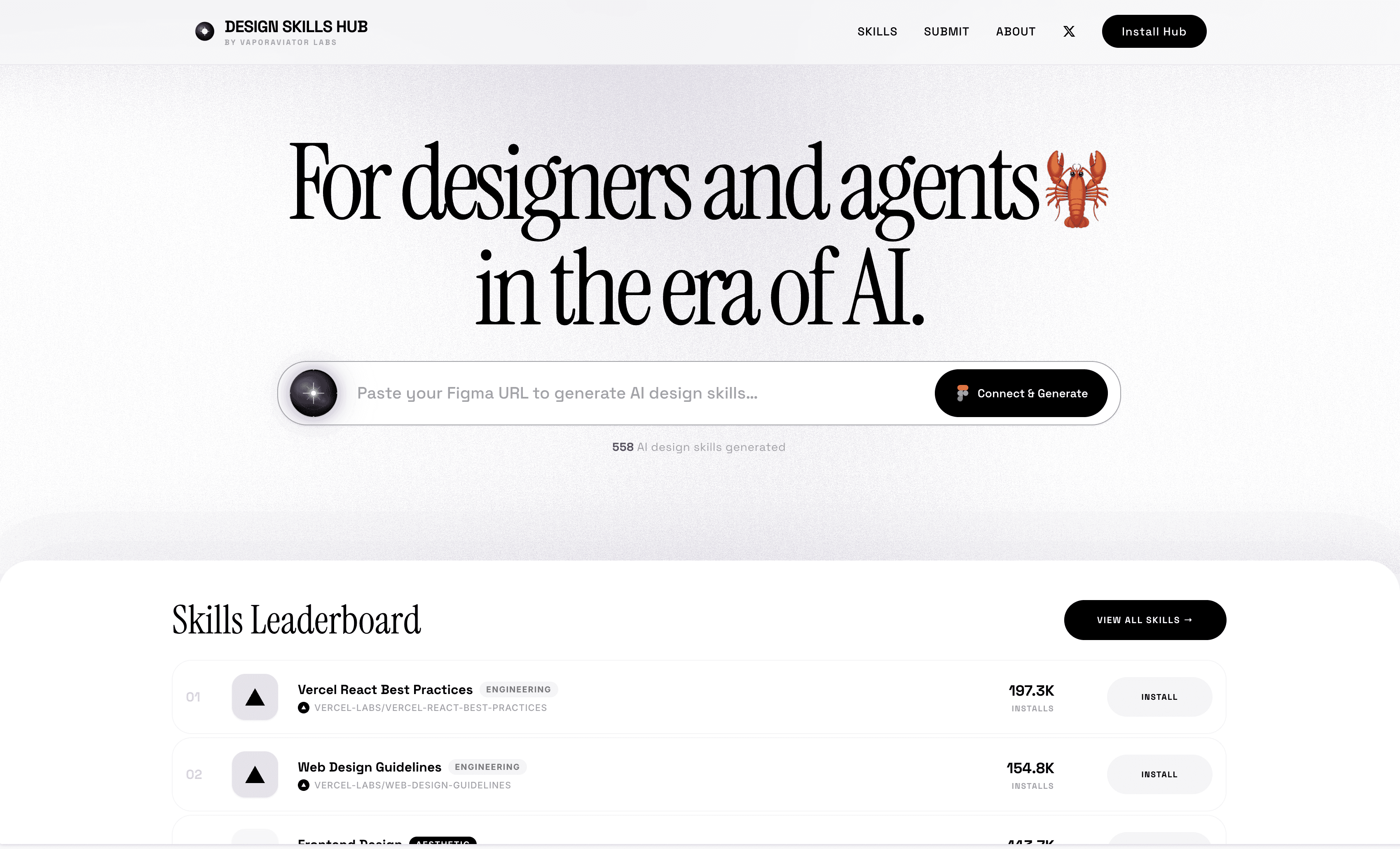
That experiment became the latest update to Design Skills Hub: a side-by-side wall of open-source design skills, each run against the same shared prompt.
The hub currently indexes 90+ skills, with 80+ already tested through this shared-preview format — and more are being added as creators submit their own skills.
§1. The problem with judging design skills
Design ability is hard to benchmark because design is not just output.
A finished screen may look good or bad, but the more interesting questions usually happen before the final visual:
What did the designer choose to prioritize?
Which constraints became important?
What kind of visual language emerged?
How did the system handle hierarchy, spacing, typography, motion, and tone?
What did it ignore?
In the context of AI agents and design skills, this gets even more complicated.
A skill is not only a visual reference. It is a packaged way of making decisions. It can define taste, structure, component logic, brand behavior, layout rules, and interaction patterns.
So if we want to understand a design skill, we should not only ask whether the final preview looks “good.”
We should ask:
What does this skill do when it is asked to make decisions from the same constraint as every other skill?
§2. The experiment: one shared brief
For this update, every tested preview on Design Skills Hub was generated from the same shared content brief.
The only variable was the skill.
We did not write a separate prompt for each style. We did not manually art-direct each result. We did not select only the best-looking screenshots.
The process was intentionally direct:
Install the skill.
Give the agent the skill’s own quickstart prompt.
Add one shared content brief with no style words.
Screenshot the result.
Use that result as the preview card.
This means the comparison is not a traditional design contest. It is closer to a behavioral test.
Each skill receives the same material, then reveals how it interprets structure, hierarchy, typography, color, spacing, motion, and overall aesthetic direction.
§3. What became visible
The most interesting differences were not always the obvious ones.
Yes, the outputs look different. Some are darker, some are editorial, some are systems-heavy, some are motion-first, some are product-led.
But the deeper difference is in the decision-making.
Some skills immediately create a strong brand system.
Some optimize for clarity and interface structure.
Some emphasize mood and narrative.
Some produce highly polished landing-page language.
Some stay closer to utility and engineering logic.
The same brief exposes different assumptions.
That is the point.
When design skills are placed side by side, taste becomes easier to inspect. You can start to see where a skill is opinionated, where it is flexible, and where it may be too generic for a particular use case.
§4. Why open-source design skills matter
The skills we tested are open-source or publicly available design skills.
That matters because the future of AI-assisted design should not depend entirely on closed presets or vendor-specific style systems.
A good design skill should be:
Portable — usable across tools and agents
Inspectable — readable by designers and developers
Versionable — improved over time
Attributable — connected to the people and communities that created it
Executable — not just a moodboard, but a system an agent can run
This is the broader direction we have been exploring with Design Skills Hub: design taste as something that can be packaged, shared, installed, tested, and improved.
Not as a replacement for designers, but as infrastructure for how AI systems understand visual judgment.
§5. Why “no hand-picking” matters
A gallery of beautiful outputs is easy to make.
A fair comparison is harder.
If every preview is selected manually, the wall becomes a moodboard. If every skill receives a custom prompt, the result becomes a prompt-writing contest. If the input changes every time, the comparison loses its meaning.
So we kept the shared brief stable.
That does not make the test perfect. A single prompt can never represent every possible design scenario. Some skills may perform better in contexts we did not test. Others may need more specific product, brand, or medium constraints to show their full range.
But the consistency gives us something useful: a common baseline.
The wall is not saying “this skill is best.”
It is saying “this is how this skill behaves under the same condition.”
For designers, builders, and toolmakers, that distinction matters.
§6. What Design Skills Hub is becoming
Design Skills Hub started as a way to collect and organize design skills.
It is now becoming something more useful: a live comparison layer for AI-native design systems.
Instead of reading a skill description and guessing how it behaves, you can see the result. Instead of comparing isolated screenshots, you can inspect many skills against the same shared constraint.
This makes it easier to answer questions like:
Which skill fits a product interface?
Which one creates the strongest visual identity?
Which one feels editorial, technical, cinematic, playful, or minimal?
Which skills are better for websites, apps, decks, diagrams, motion, or brand systems?
Which ones need stronger previews or clearer documentation?
For an ecosystem of open-source design skills, this kind of visibility matters.
Skills become easier to evaluate, easier to credit, and easier to improve.
§7. Explore it — or submit your own skill
You can explore the experiment here:
Every preview is the skill actually run.
Same brief. Different aesthetic calls.
Design Skills Hub is also open to new submissions. If you are building an open-source design skill — for a design system, brand language, interface pattern, motion style, review workflow, or any other AI-native design behavior — you can submit it through the hub.
As new skills are added, we will continue expanding the comparison wall so builders can see not only what each skill claims to do, but how it behaves when run against the same shared constraint.
If you see missing attribution, incorrect metadata, or a preview that should be updated, tell us. This is still early infrastructure, and the goal is to make the ecosystem easier to navigate for everyone building with AI design agents.