Case Study: AI for Unstructured Data Analysis and Insight Extraction
By
Lingyu

This report uses prompts related to children with autism to test AI tools' ability to retrieve and summarize information accurately, helping assess the reliability of AI-generated content. Researchers often face three key challenges during project research: insufficient sample data, difficulty choosing tools, and biased information due to sample limitations. To build a more inclusive and objective research framework, AI-assisted tools have become a crucial means of enhancing research quality. AI not only overcomes the limitations of traditional methods but also provides professional support across stages. This article focuses on two complementary tools—one enhances preparation, the other strengthens analysis—to help researchers allocate time to tasks requiring human expertise.
Task 1: Selecting Research Methodologies
How to Use Claude
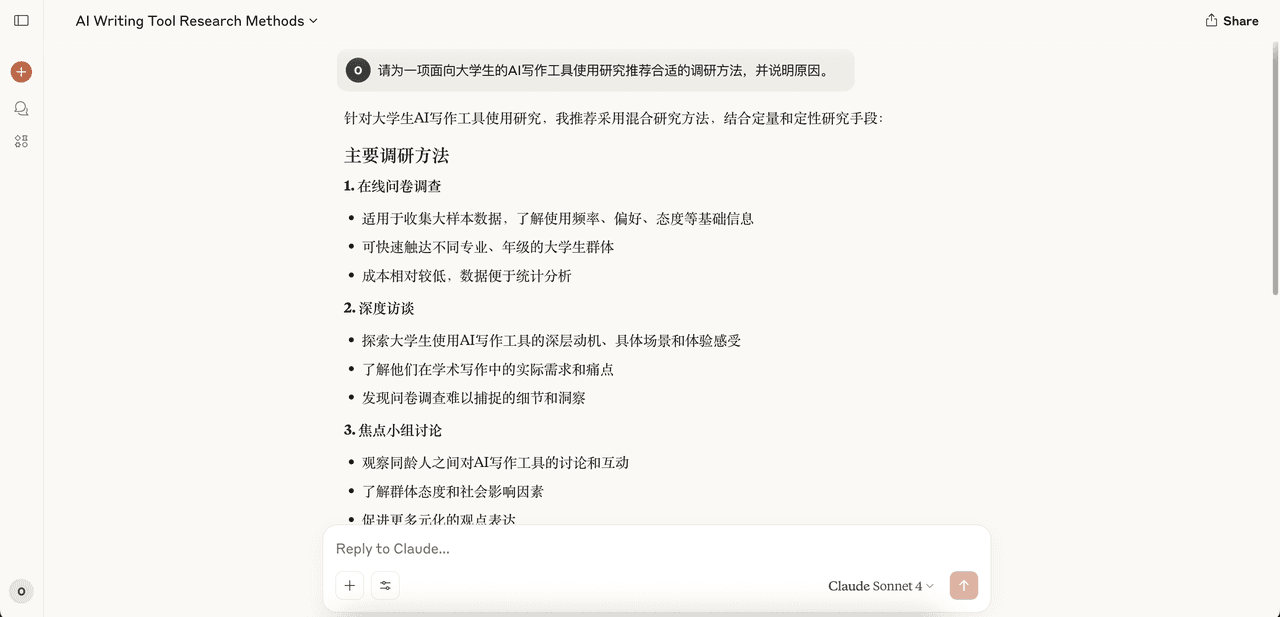
Example Prompt: “Recommend appropriate research methods for studying university students’ use of AI writing tools, and explain why.”
In the early stages of designing a research plan, AI can act as a “decision support assistant” by helping users evaluate the most appropriate research methods based on project goals. When users are unsure how to begin, AI can quickly recommend suitable approaches using past cases, and guide them in applying these to specific research topics.
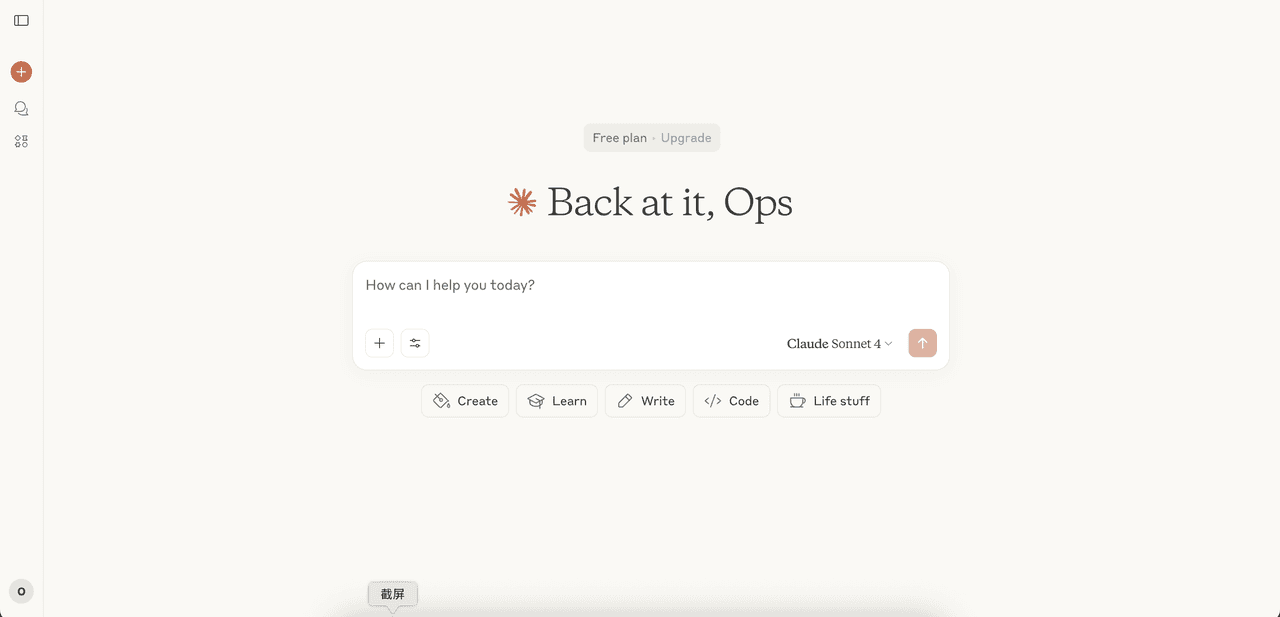
The UI/UX of Claude is designed to lower barriers to adoption. Unlike the earlier, more robotic version of ChatGPT—which emphasized its AI identity but created a sense of distance—Claude incorporates dynamic elements that humanize the experience and help users form usage habits more quickly.
When users input their target audience (e.g., university students) and goal (e.g., understanding perceptions and behaviors), Claude not only recommends appropriate methods but also explains their application conditions, sampling strategies, and limitations in detail.
Its multi-turn dialogue allows researchers to ask follow-up questions, such as:
“Should I include a control group?”
“What is an appropriate sample size?”
“How do I control for experimental variables?”
Such interactions produce a “framework-level” draft plan in a short time, enabling researchers to quickly move from ideation to execution with structured guidance.
Task 2: Survey Generation — Using Typeform Copilot
Example Prompt: “Please generate 10 survey questions (including multiple choice and open-ended) based on the topic ‘User acceptance of AI creation tools.’”
In the preparation phase, designing a high-quality survey often requires significant time and effort. Typeform Copilot simplifies this process. Whether starting from scratch or editing an existing draft, users simply enter the project context (e.g., “We want to understand users’ views on collaborative AI writing tools”), and the system generates a draft with 5–10 core questions. These automatically cover dimensions such as usage motivation, behavior, satisfaction, and even hypothetical feature reactions.
The process is interactive, not one-way. Researchers can request additional questions (e.g., “Add one about data privacy concerns”) or revise wording. The system also flags flawed designs—like leading phrasing or inconsistent answer choice, to ensure professionalism and reliability.
This smart assistance not only compresses hours of work into minutes, but also helps researchers avoid common pitfalls—freeing them to focus on deeper insights and analysis.
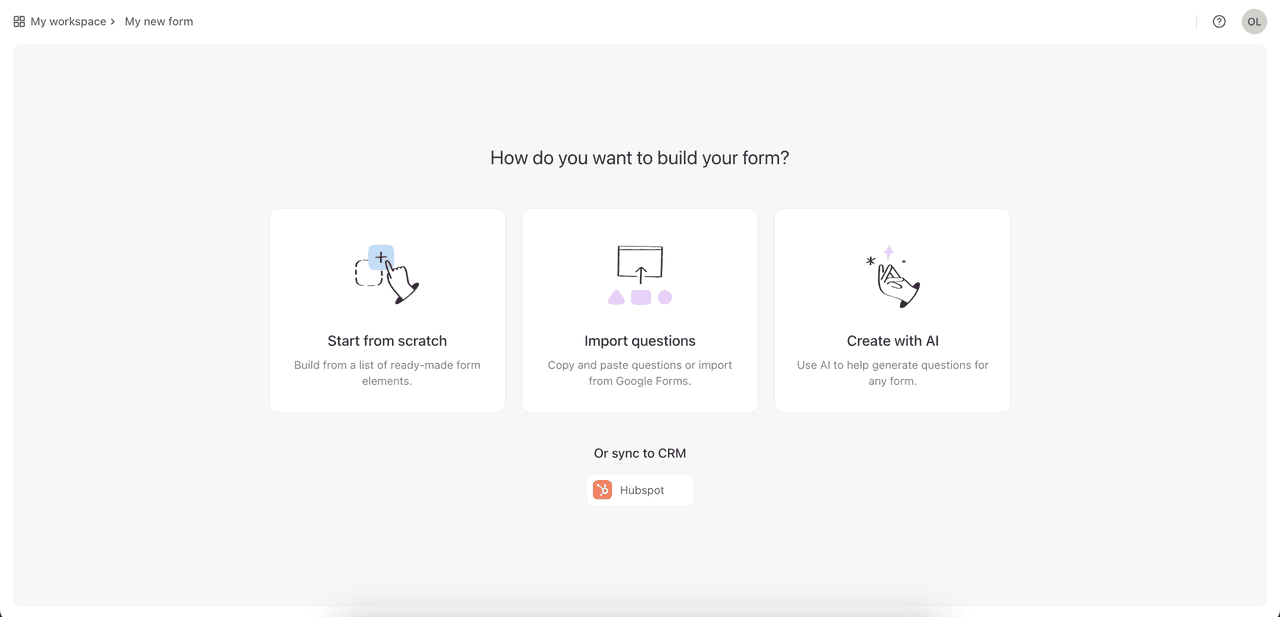
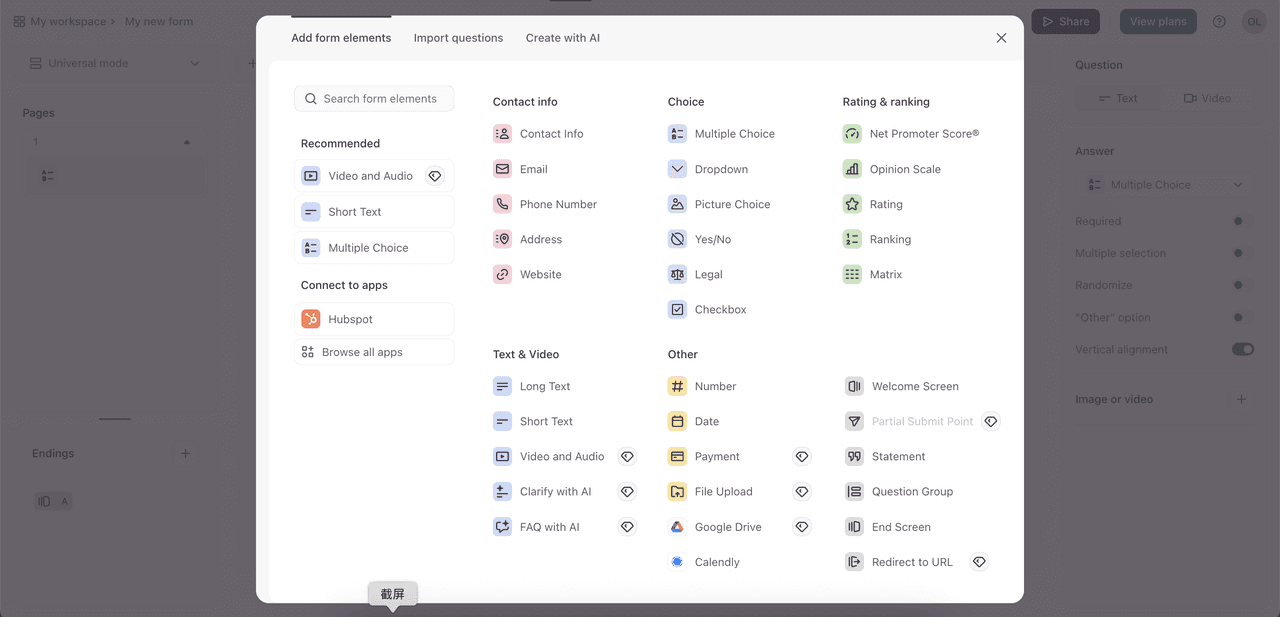
The generated content includes both open-ended and close-ended questions and can also intelligently suggest suitable answer options. For example, for the question “How often do you use AI tools?”, the system automatically suggests standardized answers like “Daily / Weekly / Occasionally / Never.” Interestingly, if the user changes the question order, the system can also offer professional suggestions—such as “Consider placing this question first to establish context”—demonstrating a deep understanding of survey logic and user psychology.
Researchers can then fine-tune or trim the AI-generated draft to suit their needs—compressing what would typically take hours into less than 30 minutes. This efficient collaboration model not only significantly boosts productivity, but also ensures the professionalism and scientific rigor of the questionnaire, allowing researchers to invest more effort in the more valuable stages of analysis and insight generation.
Task 3: Persona Generation — Using Claude
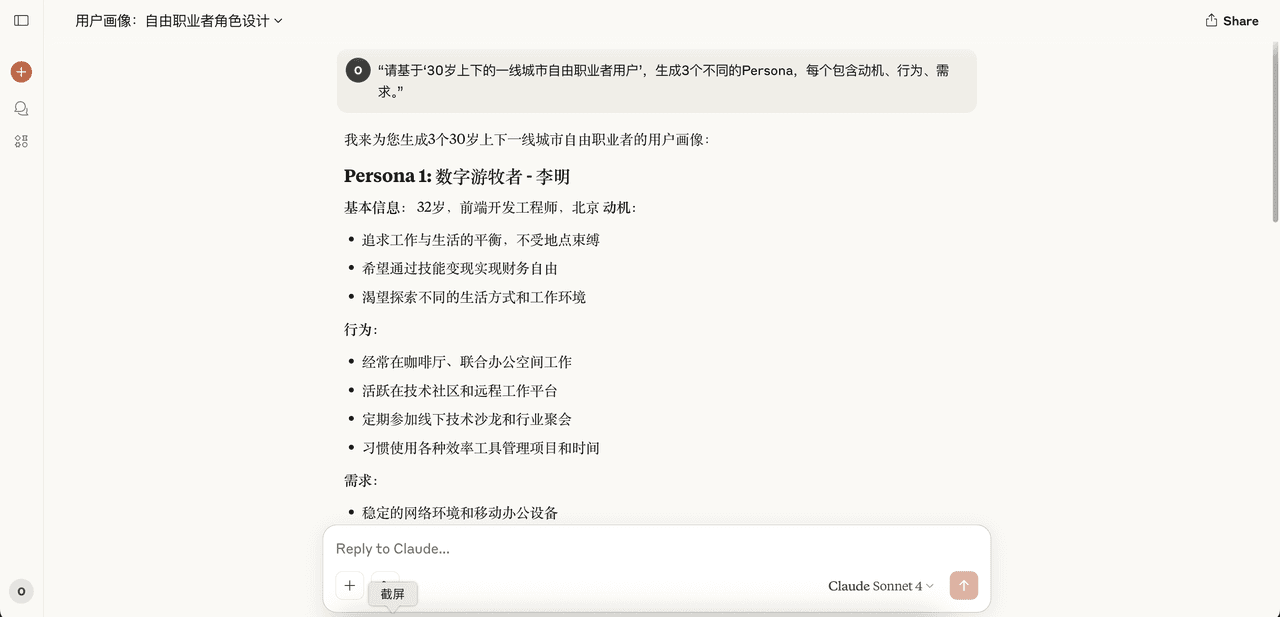
Example Prompt: “Based on ‘urban freelancers around age 30’, generate 3 personas with motivations, behaviors, and needs.”
When the target user group is still vague, building user personas helps focus research direction and guide sampling. Claude excels here—just input a product type and basic user traits (e.g., “urban freelancers aged 25–35 familiar with digital tools”), and the system generates 3–5 representative personas.
These aren’t superficial summaries. Each includes core motivation, behavior patterns, usage scenarios, and tool preferences. For instance, the system may generate “Lisa, the digital nomad designer,” explaining how she relies on tools while working across cities. These personas help with interview recruitment, survey segmentation, or product prioritization.
Claude acts as an “intelligent collaborator,” offering a structural draft that researchers then refine. This human-AI co-creation ensures quality and relevance while avoiding the detachment of pure AI output.
Get the Full Report
Ready to explore how AI can transform your research practice? Download the complete Next-Gen Research Playbook to navigate the rapidly changing landscape of AI-augmented research and equip your team for the future.
For questions, collaboration, or media inquiries, please contact us